If your phone is running out of storage, it’s likely due to the ever-growing number of photos and videos you’ve accumulated. While cloud storage services like Google One and iCloud offer a convenient way to store these files, the costs can add up over time.
Plus, relying on the cloud means you’re paying monthly fees and trusting a corporation to hold your memories. I chose a different approach—backing up my photos and videos on an external hard drive—and here’s why it works for me.
The Shift from Free to Paid Cloud Storage

When Google Photos launched in 2015, it promised free, unlimited storage for photos and videos. I happily uploaded all my memories, knowing I could access them from anywhere without worrying about running out of space.
However, in 2021, Google ended its free offering, leaving me with just 15GB of free space for everything. As my photo habit grew, I realized I was facing a new cost: a Google One subscription, which started at $2 a month. Over time, I became frustrated with the idea of paying for something I once enjoyed for free, especially since $10 a month becomes $120 a year, which could total over $1,200 after 10 years.
The Problem with Cloud Storage: It’s Not Truly Free
Even though we often hear about “cloud storage,” your data doesn’t just float out there in cyberspace. It’s stored on physical servers here on Earth. These servers need maintenance and electricity to run, which means there’s a cost for the service that’s passed down to the user. Paying a subscription fee for cloud storage doesn’t sit well with me, especially when I think of how it compounds over time.
The Case for External Hard Drives

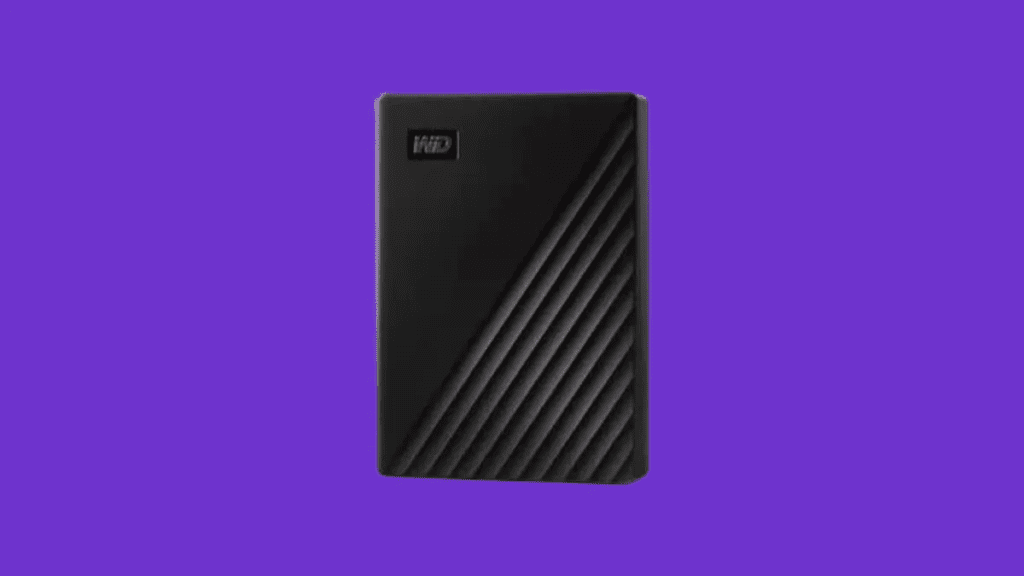
Instead of paying for cloud storage, I turned to external hard drives to store my photos and videos. The best part is, external hard drives don’t need a subscription. Once I buy a drive, it’s mine, and I can use it for as long as it lasts (typically 3-5 years for HDDs, and 5+ years for SSDs).
I don’t have to worry about price hikes or changing policies. Plus, external drives are relatively inexpensive—1TB SSDs can be found for less than $100, while premium smartphones with 1TB of storage often cost well over $1,000.
Benefits of External Storage:
- Cost-Effective: No subscription fees.
- One-Time Purchase: Pay once for long-term storage.
- Portable: Keep your data with you and avoid relying on the cloud.
- Security: Your data is physically stored in a location you control, not on a corporate server.
How I Manage My Backups
Backing up to an external drive requires a bit more effort than simply uploading everything to the cloud, but it’s manageable. Here’s my process:
- Initial Backup: Every time I back up, I make two copies of my files—one on my laptop and one on the external drive.
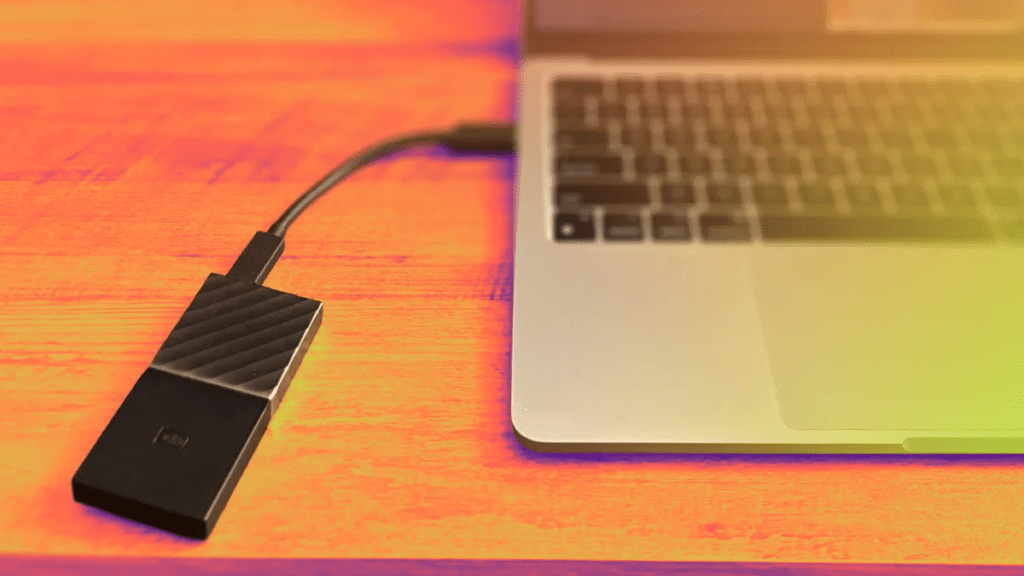
- Transfer to Drive: After organizing my files on my laptop, I transfer them to the external drive. I keep my files organized by date or occasion, like “Trip to London” or “July 2025.”
- Regular Backups: I aim to back up at least once a month or after significant events. I also back up before major software updates for peace of mind.
- Backup the Backup: I keep a second external drive as a backup, just in case one fails.

Although this process requires a bit of time—waiting for files to transfer, organizing them into folders, and deleting them from my phone—it’s become a routine I can manage. I don’t mind spending the time because I know I’m not at the mercy of any service provider’s policies.
What I Keep on My Phone
One of the biggest adjustments I made with this system is being more intentional about which photos I keep on my phone. With an external drive, I no longer feel the need to keep every single picture. I’ve become selective about the photos I store on my phone, typically keeping only those I need to refer to often or ones I enjoy looking at, like family photos or important documents.
Why I Don’t Want to Rely on the Cloud
Even if I did subscribe to a cloud service, I’d always feel like I don’t truly own my data. What if Google raises its prices again, or worse, shuts down the service? If my photos and videos were only stored in the cloud, I’d have no choice but to go along with the changes. With an external hard drive, I’m in control, and my files are stored in a physical location I can access whenever I need them.
The Added Benefit: Being More Intentional About Photography
One unexpected benefit of storing my photos on an external drive is that I’ve become more intentional about capturing images. Since I know I’m manually backing up photos, I’m less likely to take pictures of everything. I’ve learned to capture moments that truly matter, rather than filling up storage with random shots.
Frequently Asked Questions (FAQ)
1. Why should I use an external hard drive instead of cloud storage?
Using an external hard drive eliminates the need for monthly subscriptions. It’s a one-time purchase, and you maintain full control over your data. Additionally, external drives don’t rely on a third-party service, so you won’t have to worry about price hikes, policy changes, or the possibility of a service shutting down.
2. What’s the advantage of an external hard drive over a higher-storage phone?
A high-storage phone may seem like a quick fix, but even with 1TB of storage, you’ll eventually need to upgrade when your phone gets outdated or starts running out of space. Additionally, external drives are much cheaper, allowing you to save money compared to paying a premium for extra phone storage. They also allow you to store files across multiple devices, ensuring your data stays accessible even when you upgrade to a new phone.
3. How much storage do I need on my external hard drive?
For most users, a 1TB drive is sufficient for storing photos and videos, but this depends on how many files you plan to back up. If you frequently capture high-resolution photos or 4K videos, you might need more storage. Typically, a 1TB SSD (Solid State Drive) is more than enough for years of photos and videos.
4. Can I back up photos and videos from multiple devices to the same external hard drive?
Yes, one of the key benefits of using an external hard drive is that you can store files from multiple devices on the same drive. You can back up photos and videos from your phone, laptop, or even your tablet, making it an easy way to consolidate your files in one place.
5. How do I back up my photos to an external hard drive?
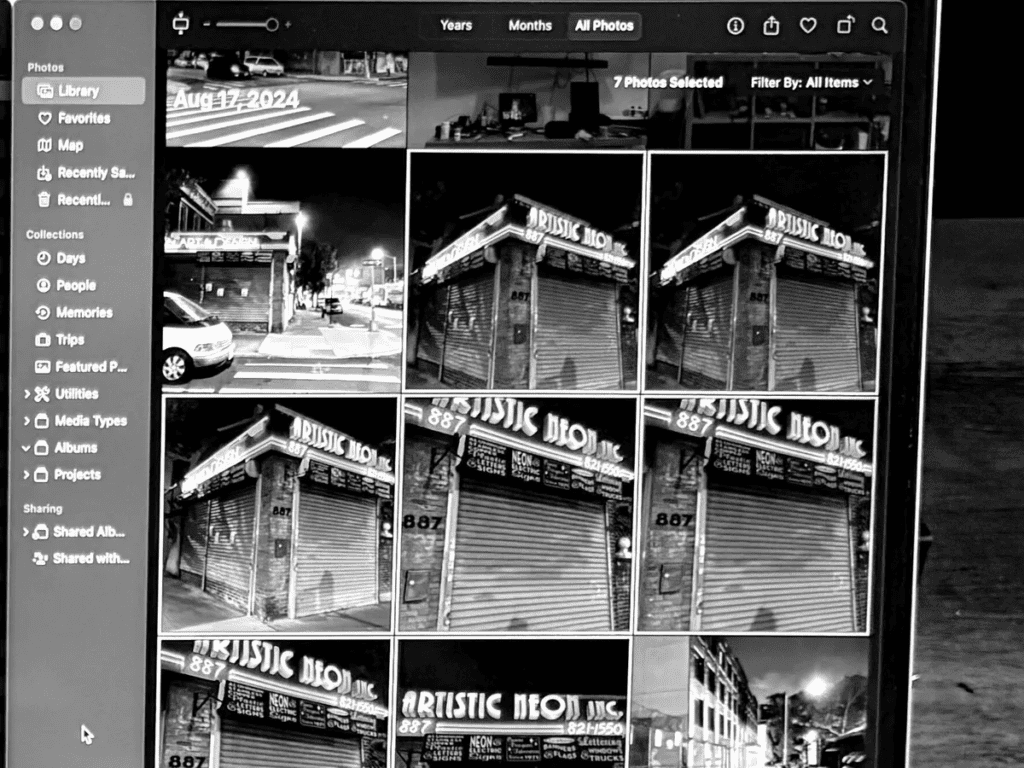
To back up your photos, first connect your phone or computer to your external hard drive. If you’re using a Mac, you can transfer files through the Photos app or manually organize them into folders. Once your files are sorted, simply drag and drop them into the external hard drive. It’s a manual process, but once you’ve set it up, it’s simple and quick to repeat.